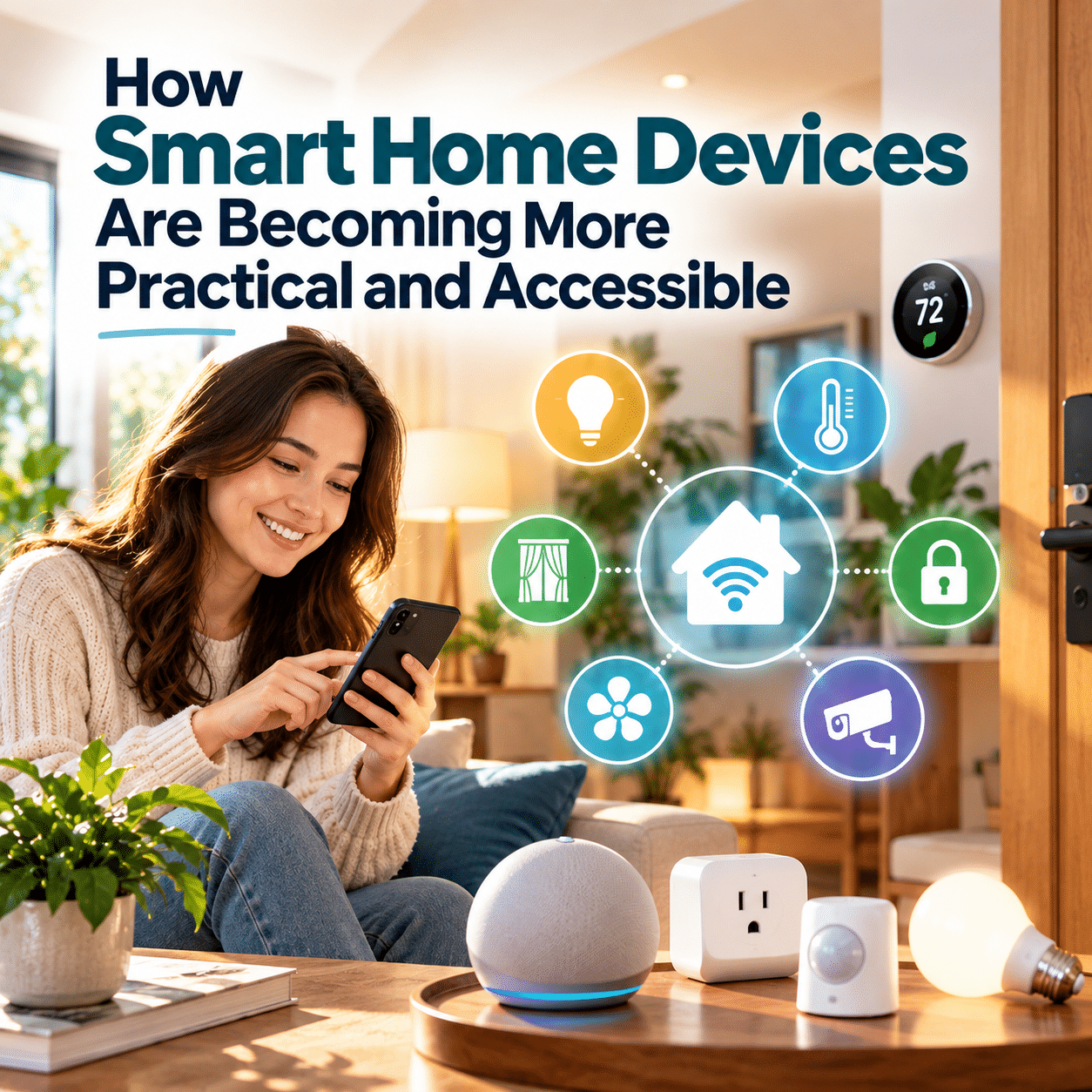
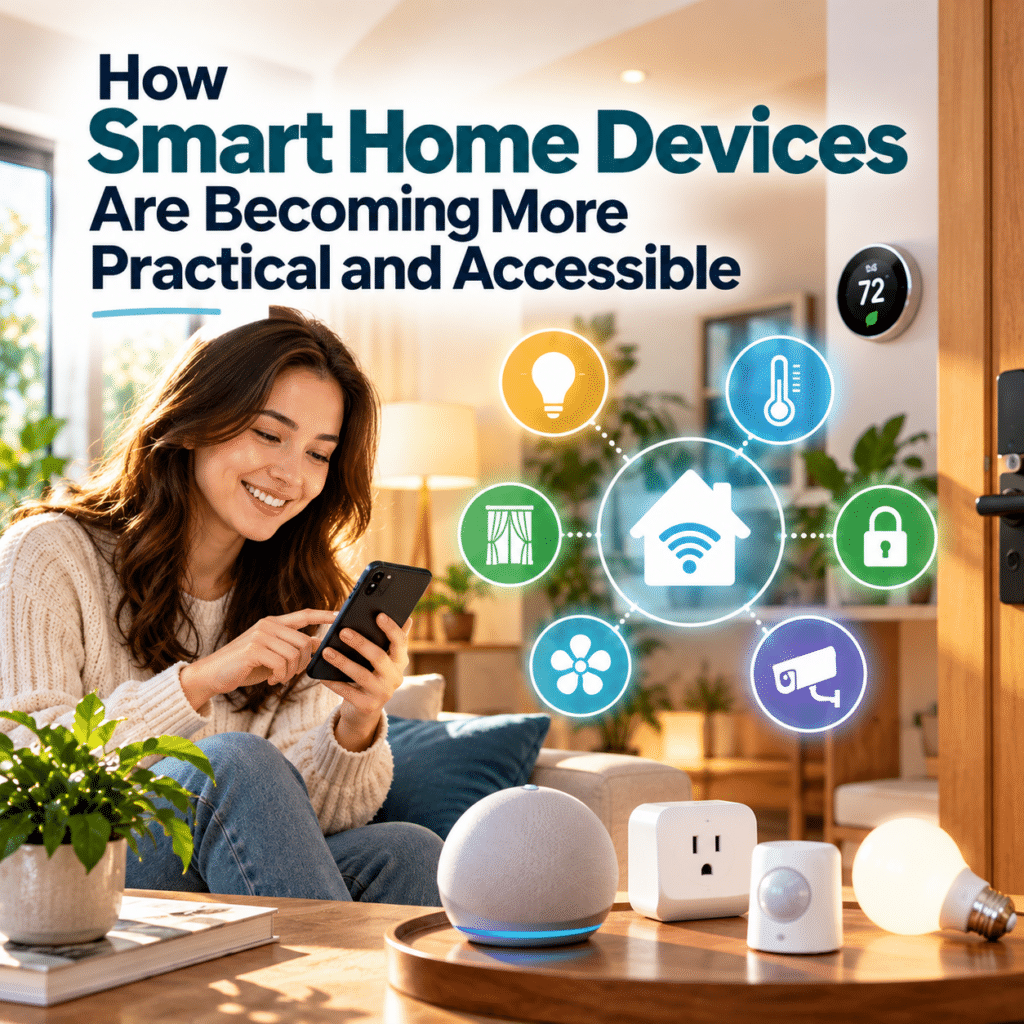
Not long ago, creating a smart home often meant dealing with complicated installations, unfamiliar technology, and devices that struggled to work together. Connected household systems could feel like an expensive experiment rather than a practical improvement to everyday living.
That experience is gradually changing.
Smart home devices are becoming easier to understand, more flexible to install, and better suited to ordinary household needs. From simple lighting controls to automated sensors and connected appliances, many smart home functions can now be introduced without redesigning an entire living space.
Improvements in device compatibility, setup methods, and control options are also making connected technology more approachable for people with different budgets, abilities, and levels of technical experience.
Yet accessibility involves more than affordability. A truly practical smart home should be easy to operate, reliable enough for everyday use, and adaptable to the people who live there.
Understanding these developments helps explain why smart home technology is moving beyond specialized installations toward more useful and inclusive household solutions.
1. Smart Home Technology Is Moving Beyond Complicated Systems
Early smart home experiences often depended on specialized equipment, dedicated controllers, or professional installation.
Although sophisticated home automation systems still exist, many everyday smart home functions no longer require a comprehensive setup.
A household can begin with a connected light bulb, a smart plug, or a simple motion sensor and expand only when additional functions become useful.
Smaller Devices Can Solve Specific Problems
Rather than automating an entire property, users can focus on individual inconveniences.
For example:
- A smart bulb can provide scheduled lighting without replacing the entire lighting system.
- A compatible smart plug can switch a suitable appliance on or off remotely.
- A motion sensor can activate hallway lighting when someone enters.
- A connected temperature sensor can provide information about indoor conditions.
- A smart button can trigger a preset routine without requiring a smartphone.
Some products need a compatible hub, controller, or additional equipment, while others connect directly to an existing home network.
This modular approach allows people to explore connected technology at a manageable scale.
Practicality Matters More Than Complexity
An elaborate automation system may be impressive, but complexity does not automatically create value.
A single reliable function that solves a recurring problem can be more useful than numerous connected devices requiring constant attention.
The shift toward smaller, purpose-driven solutions is helping smart home technology fit more naturally into everyday households.
2. Setup Processes Are Becoming More Approachable
One of the traditional barriers to smart home adoption has been installation.
Connecting devices to networks, creating accounts, configuring hubs, and troubleshooting compatibility issues can discourage people who simply want a convenient household improvement.
Manufacturers and technology organizations have responded with more standardized setup approaches.
Smartphone-Guided Installation
Many connected devices provide step-by-step setup instructions through mobile applications.
These may guide users through connecting a device, assigning it to a room, and selecting basic preferences.
Some products use QR codes or automatic discovery to simplify initial pairing.
These methods reduce the need to understand the underlying networking technology.
However, setup requirements still vary, and some devices require compatible controllers or particular network configurations.
The Importance of Clear Instructions
Good setup design includes more than a simple pairing process.
Useful features include:
- Clear explanations of required equipment.
- Understandable connection-status indicators.
- Straightforward troubleshooting instructions.
- Accessible text and controls.
- Easy recovery after a failed setup.
- Clear guidance for resetting or transferring ownership.
A product that takes only a few minutes to install but becomes difficult to maintain may not be particularly practical over the long term.
The best experience considers the entire product lifecycle, from initial installation to everyday operation and eventual replacement.
3. Better Compatibility Is Reducing Some Technical Barriers
Smart home devices have historically been divided among different brands, applications, and proprietary ecosystems.
A connected light might work with one platform but not another, while a household sensor could require an entirely separate controller.
This fragmentation makes connected technology harder to understand and expand.
How Matter Supports Interoperability
Matter is a smart home connectivity standard developed through the Connectivity Standards Alliance.
It provides a common foundation that allows certified devices to communicate with compatible smart home ecosystems.
Matter uses established networking technologies and supports standardized device setup and communication.
For consumers, the intended benefits include simpler installation, broader device choices, and less dependence on a single manufacturer’s ecosystem.
Why This Matters for Everyday Households
Imagine a household that already uses connected lighting but wants to introduce smart plugs or window shades.
Without compatible systems, the expansion might require separate applications and unrelated control methods.
With appropriately supported Matter devices and controllers, some functions can be managed together more easily.
This creates opportunities for households to build connected systems gradually.
Compatibility Is Improving, Not Universal
Matter does not eliminate every compatibility problem.
Different platforms may support different device categories or features. Some advanced functions remain available only through manufacturer-specific applications.
Devices using Thread may also require a suitable Thread border router, depending on the installation.
Before purchasing equipment, users should confirm the actual compatibility requirements rather than assuming that every connected device will work with every platform.
The broader improvement is meaningful: compatibility is increasingly being treated as an essential part of the user experience rather than an optional technical feature.
4. More Flexible Control Options Are Making Devices Easier to Use
A smart home should not require every resident to interact with technology in the same way.
People have different preferences, physical abilities, communication needs, and levels of comfort with digital interfaces.
One of the most useful developments in connected home design is the availability of multiple ways to operate compatible devices.
Smartphone Applications
Mobile applications allow users to manage supported devices, change settings, and create routines.
They can be particularly useful for adjusting several connected devices from one location.
However, smartphone-only control can become inconvenient when a phone is unavailable, discharged, or difficult for someone to operate.
Voice Commands
Voice assistants provide an alternative to navigating menus or reaching physical switches.
For example, users may be able to turn on lights, adjust compatible equipment, or activate predefined routines through spoken commands.
Voice interaction can be helpful for some people with mobility limitations.
Nevertheless, it may be unsuitable in noisy environments or for users with certain speech or communication difficulties.
Physical Buttons and Switches
Smart buttons, wireless switches, and conventional controls remain valuable.
A clearly labeled physical button can sometimes be faster and more intuitive than opening an application.
For shared households, retaining familiar controls can also reduce confusion.
Automation Without Direct Interaction
Some functions can operate through schedules or sensors, reducing the need for repeated commands.
For example, a motion-activated light can illuminate an entrance without requiring a resident to locate a switch.
The most accessible arrangement is often one that combines several control methods.
Practical smart home design gives people choices instead of forcing everyone into a single interface.
5. Smart Home Devices Are Becoming More Relevant to Different Living Spaces
Not every household has the same physical environment.
A homeowner may be able to replace switches or install permanent equipment, while a renter may need solutions that can be removed without altering the property.
People living in smaller apartments may also have different priorities from those managing large houses.
Smart Home Options for Renters
Some connected devices can be installed without permanent modifications.
Examples include plug-in lighting controls, freestanding smart speakers, portable sensors, and certain removable lighting products.
These options may be easier to relocate when moving.
However, renters should still consider lease conditions, electrical safety, network access, and installation requirements.
Solutions for Smaller Homes
A compact apartment may not need a complex network of sensors or multiple automation zones.
A few carefully chosen devices may be sufficient to manage lighting, improve convenience, or provide useful notifications.
Smaller spaces can benefit from simple, coordinated controls without requiring an extensive system.
Different Needs in Larger Homes
Larger properties may benefit from more comprehensive lighting controls, environmental monitoring, or coordinated equipment management.
However, greater size can also introduce network coverage problems and additional maintenance responsibilities.
The most practical configuration depends on the living environment rather than the number of available smart home products.
6. Accessibility Is Becoming a More Important Design Consideration
Accessibility means that technology can be used effectively by people with different abilities and needs.
In a smart home, this includes physical accessibility, understandable controls, flexible interaction methods, and predictable system behavior.
Supporting People With Limited Mobility
Remote controls, voice commands, and automated routines may reduce the need to reach switches or move between rooms.
A bedside control, for example, might operate compatible lighting without requiring someone to get up.
These functions can provide meaningful convenience, although suitability depends on individual circumstances.
Making Interfaces Easier to Understand
Clear labels, readable text, consistent layouts, and straightforward commands can make connected devices easier to use.
Complex menus and ambiguous icons may create unnecessary barriers.
People unfamiliar with smart home technology can also benefit from interfaces that explain functions in everyday language.
Designing for Different Sensory Needs
A notification that relies only on sound may be unsuitable for someone with hearing difficulties.
Similarly, a device that communicates information exclusively through small visual indicators may be difficult for someone with low vision.
Where supported, combining visual, audible, and tactile feedback can improve usability.
Accessibility Is Not the Same as Automation
Automating a task does not automatically make a product accessible.
An automated device may still be difficult to configure, troubleshoot, or override.
Inclusive design requires attention to the complete experience, including setup, daily use, maintenance, and recovery when something goes wrong.
Smart home technology can support independence, but it should not be presented as a substitute for essential accessibility equipment, professional assistance, or emergency services.
7. Practical Smart Home Features Are Becoming Easier to Identify
As connected products become more varied, consumers have more opportunities to choose features that match specific needs.
The challenge is distinguishing useful functionality from unnecessary complexity.
A practical smart home feature should provide a clear benefit without introducing disproportionate cost, effort, or maintenance.
| Everyday need | Potential smart home solution | What makes it practical |
|---|---|---|
| Avoiding unnecessary lighting | Scheduled or sensor-controlled lights | Reduces repeated manual switching |
| Controlling hard-to-reach devices | Compatible smart plugs or remote controls | Provides an alternative control method |
| Managing indoor comfort | Compatible temperature controls | Supports consistent preferred settings |
| Receiving household notifications | Connected sensors or appliances | Provides useful status information |
| Simplifying repeated activities | Preset routines | Coordinates several supported actions |
| Supporting different users | Voice, app, and physical controls | Offers multiple interaction options |
| Expanding an existing setup | Interoperable devices | May reduce compatibility barriers |
The usefulness of each solution depends on the household.
For example, scheduled lighting may be valuable for someone with a consistent routine but less convenient for a person whose schedule changes frequently.
Similarly, remote appliance control may be unnecessary when the appliance is already easy to operate manually.
A practical device should address a real need rather than create a new task for its owner.
8. Affordability Includes More Than the Purchase Price
Smart home accessibility is often discussed in terms of cost.
A small connected device may require a lower initial investment than a comprehensive home automation system.
However, purchase price alone does not determine affordability.
Understanding the Total Cost
Potential expenses include:
- The device itself.
- Required hubs, controllers, or networking equipment.
- Professional installation when necessary.
- Subscription services for certain features.
- Electricity consumption.
- Replacement batteries or accessories.
- Maintenance and eventual replacement.
A device advertised as a simple standalone solution may become less attractive if it requires additional equipment or ongoing payments.
Starting Small Can Reduce Financial Risk
A modular approach allows households to evaluate whether connected technology is useful before expanding.
Instead of buying several devices at once, users can test one function and assess its reliability.
This helps prevent spending on features that ultimately receive little use.
Long-Term Support Affects Value
Connected products depend partly on software.
If updates stop or a cloud service closes, certain functions may become unavailable even when the physical device still works.
Before purchasing, consumers should consider the manufacturer’s support policies, warranty conditions, and whether essential functions can continue without ongoing online services.
An affordable smart home is not simply one with inexpensive devices. It is one whose long-term benefits justify its total cost.
9. Reliability Is Becoming Essential to Everyday Use
Smart home technology becomes less useful when basic functions are unpredictable.
A light that occasionally fails to respond or a sensor that repeatedly sends unnecessary notifications can quickly become frustrating.
For connected devices to become genuinely practical, reliability must be a priority.
Local Control Can Help
Some smart home systems support local communication between compatible devices and controllers.
This can allow certain functions to operate without sending every command through an external cloud service.
Local operation may improve responsiveness and reduce dependence on internet connectivity for supported functions.
However, local control does not mean that every feature will continue working during an outage.
Remote access, software services, and some voice integrations may still require an internet connection.
Simple Routines Are Often More Dependable
A straightforward automation with one clear trigger and action may be easier to troubleshoot than a complicated sequence involving many devices.
For example, turning on a hallway light when motion is detected is generally simpler to manage than a routine involving multiple conditions, cloud services, and unrelated appliances.
Manual Controls Remain Important
Important household functions should have appropriate fallback controls.
A smart lighting system is more practical when residents can still operate the lights easily if an application becomes unavailable.
Reliability is not merely a technical feature. It directly affects whether people trust a connected system enough to use it every day.
10. Privacy and Security Influence Whether Smart Devices Are Truly Accessible
Connected devices may process information about household activities, preferences, or surroundings.
For some products, remote access and personalized features involve online accounts or cloud services.
These capabilities can provide convenience, but they also introduce privacy and cybersecurity responsibilities.
Security Should Be Understandable
Users should not need advanced technical knowledge to identify basic security settings.
Helpful product design includes clear update information, understandable privacy options, secure account management, and straightforward device removal.
Manufacturers also play an important role in maintaining product security.
The National Institute of Standards and Technology provides cybersecurity guidance for consumer Internet of Things products, including capabilities related to device protection and software maintenance.
Practical Security Habits
Households can reduce avoidable risks by:
- Using strong, unique account passwords.
- Enabling multifactor authentication where supported.
- Installing security updates.
- Reviewing device permissions.
- Disabling unnecessary features.
- Removing unused accounts and devices.
- Securing the home router and wireless network.
These precautions are important even when a device appears simple.
A smart plug and a connected camera have different privacy implications, but both may introduce network-related risks.
Privacy Is Part of Usability
A product may be easy to install yet difficult to trust if its data practices are unclear.
Accessible technology should help users understand what information is collected and which controls are available.
Greater transparency can make connected devices easier to evaluate and manage responsibly.
11. What Still Makes Smart Home Technology Difficult?
Despite improvements, connected household technology continues to present barriers.
Some are technical, while others relate to cost, design, or everyday usability.
Too Many Applications
Different products may still require separate accounts and applications.
Even with improving interoperability, advanced settings may remain tied to manufacturer-specific software.
Inconsistent Network Requirements
Some devices use Wi-Fi, while others rely on Thread, Zigbee, Bluetooth, or proprietary communication systems.
Understanding which hubs, routers, or controllers are required can be confusing.
Subscription Dependencies
Certain products reserve advanced features, cloud storage, or historical information for paid subscriptions.
Consumers should verify which functions are included without recurring payments.
Limited Software Support
The useful lifespan of a connected device may depend on security updates and service availability.
Hardware durability alone is not enough.
Household Learning Curves
A system that is convenient for one technically confident person may be difficult for other residents.
Shared devices should be understandable to everyone who needs to operate them.
Accessibility Gaps
Small text, complicated pairing procedures, voice-only functions, and poorly designed applications can exclude potential users.
These limitations demonstrate why improving smart home accessibility requires more than adding features or reducing installation steps.
12. How to Recognize a Genuinely Practical Smart Home Device
Before adding a connected product to a home, it helps to evaluate its everyday usefulness.
The following questions provide a simple framework.
Does It Solve a Specific Problem?
A useful device should address an identifiable inconvenience or need.
If the same task is already easy to perform manually, automation may offer limited additional value.
Can Everyone Who Needs It Use It?
Consider whether household members can understand the controls and operate the device comfortably.
Look for suitable alternatives to voice-only or smartphone-only interaction when necessary.
Will It Work With Existing Equipment?
Check compatibility with the home’s network, controllers, electrical systems, and preferred platforms.
Do not rely solely on broad marketing statements about compatibility.
What Happens When the Internet Is Unavailable?
Determine which functions operate locally and which depend on external services.
Essential household controls should remain appropriately accessible.
Is the Total Cost Reasonable?
Consider installation, subscriptions, maintenance, and replacement—not just the initial price.
Will It Be Supported Over Time?
Review available information about software updates, security practices, and manufacturer support.
Is It Easy to Remove or Replace?
A practical device should not make the household unnecessarily dependent on a complicated system.
These questions can help people distinguish meaningful improvements from features that look impressive but provide little lasting benefit.
13. The Future of Smart Home Accessibility
The long-term development of smart home technology is increasingly connected to how easily people can adopt and manage it.
Several areas of improvement are particularly important.
More Consistent Device Experiences
Common connectivity standards and clearer compatibility information may make it easier to combine supported products.
The benefit will depend on how consistently manufacturers and platforms implement those standards.
Simpler Everyday Controls
More intuitive applications, clearly labeled physical controls, and improved automation tools can reduce the learning curve.
The goal should be to make ordinary tasks simpler, not to add unnecessary interactions.
More Inclusive Design
Flexible interfaces can help connected devices serve people with different abilities, ages, and levels of technical confidence.
Designing for accessibility from the beginning is more effective than treating it as an optional feature.
Greater Independence From Cloud Services
Local processing and communication may support faster responses and continued operation of selected functions during internet disruptions.
However, manufacturers must still design suitable fallback behavior and maintain secure software.
More Transparent Ownership
Clearer information about subscriptions, software support, data practices, and compatibility can help consumers understand the long-term implications of connected devices.
These developments point toward a broader definition of smart home innovation: technology that becomes easier to live with rather than merely more advanced.
Conclusion: Practical Smart Homes Begin With Everyday Needs
Smart home devices are becoming more practical and accessible through simpler setup methods, more flexible controls, improving compatibility, and a growing emphasis on everyday usability.
Instead of requiring a complete home automation system, connected technology can often be introduced through individual devices that solve specific household problems.
For some people, the greatest benefit may be a convenient lighting routine. For others, it may be an accessible control method, a useful household notification, or a more manageable connected environment.
Challenges remain, including inconsistent compatibility, subscription costs, cybersecurity responsibilities, and accessibility limitations.
The most meaningful progress will come from reducing these barriers while preserving reliability, privacy, and user choice.
Ultimately, a smart home does not need to be complicated to be useful.
The best connected devices are those that fit naturally into daily life, remain understandable to the people using them, and make ordinary household activities genuinely easier.