Comfort is often influenced by small details that are easy to overlook.
The height of a chair, the position of a computer screen, the shape of a kitchen utensil, or the way a household tool fits in the hand can affect how easily an everyday task is performed.
These details are central to ergonomics.
Ergonomic design focuses on adapting products, tasks, and environments to the people using them. Rather than expecting everyone to work or move in exactly the same way, it considers differences in body dimensions, physical capabilities, activities, and surroundings.
Ergonomic products are commonly associated with office chairs and computer accessories. However, the underlying principles apply far beyond a desk.
Kitchen tools, cleaning equipment, personal care accessories, furniture, and household organizers can all benefit from thoughtful human-centered design.
As homes support a wider variety of activities, ergonomic features can help make ordinary routines more comfortable and manageable.
Yet an ergonomic label does not guarantee a good fit or a health benefit.
A chair with many adjustments may still be uncomfortable. An unusually shaped mouse may not suit every hand. A specialized cushion may provide temporary comfort without addressing the underlying cause of a problem.
Understanding why ergonomic products are becoming everyday essentials means looking at their practical value, limitations, and appropriate use.
The best ergonomic solutions are not necessarily expensive or complicated. They are the ones that make real tasks easier for real people.
1. What Does Ergonomic Design Mean?
Ergonomics is the study and application of principles that help fit tasks, products, and environments to human capabilities and limitations.
Its purpose is to improve the relationship between people and the things they use.
Human-Centered Design
Ergonomic design begins with the user rather than the product’s appearance.
It considers how people sit, stand, reach, grip, lift, view information, and perform repeated activities.
Physical Fit
Products should accommodate relevant differences in body size, reach, strength, and movement.
Task Requirements
The best design depends on what the user needs to accomplish.
A chair for extended computer work has different requirements from a dining chair.
Environmental Conditions
Lighting, available space, temperature, and surrounding equipment can influence comfort and usability.
Adjustability
Adjustable features can help one product accommodate different users or activities.
Ease of Use
Controls, handles, and mechanisms should be understandable and manageable.
Ergonomics is not about forcing everyone into a single ideal position.
It is about reducing unnecessary physical demands while supporting effective and comfortable activity.
2. Why Ergonomics Matters Beyond the Workplace
Ergonomic principles are frequently discussed in occupational settings, but many of the same considerations apply at home.
Computer Use
People may use laptops, desktop computers, and tablets for work, study, or personal activities.
Cooking
Food preparation involves gripping utensils, reaching for ingredients, and working at counters.
Cleaning
Vacuuming, mopping, and other tasks can involve repetitive movements and awkward positions.
Personal Care
Toothbrushes, grooming tools, and other accessories need to be comfortable to hold and operate.
Hobbies
Sewing, crafting, reading, gaming, and gardening may involve sustained or repetitive activities.
Household Organization
Storage placement influences how often people bend, stretch, or lift.
Shared Living Spaces
Furniture and equipment may need to accommodate people with different physical characteristics.
Ergonomics matters wherever product design influences how comfortably and safely a task can be performed.
3. Ergonomic Products Focus on Fit, Not Just Comfort
Comfort is an important consideration, but it is not the only goal of ergonomic design.
A soft product may feel pleasant initially while providing inadequate support for a particular task.
Similarly, a firm product may be comfortable for one person and unsuitable for another.
Fit Comes First
A chair should accommodate the user’s body dimensions and working position.
Support Should Match the Activity
Different activities require different types of support.
Controls Should Be Accessible
Users should not need awkward movements to operate common functions.
Force Requirements Matter
Handles, buttons, and mechanisms should be manageable for the intended users.
Adjustments Should Be Practical
A feature is not especially useful if it is too difficult to adjust.
Comfort Can Change Over Time
An item that feels comfortable for a few minutes may be less suitable during prolonged use.
The most useful ergonomic products combine appropriate fit with practical usability.
4. Ergonomic Office Chairs Are More Than Adjustable Seats
Office chairs are among the most familiar ergonomic products.
Their value depends on how well they support the user and fit the surrounding workstation.
Seat Height
An appropriate height allows the user to sit comfortably while maintaining suitable support for the feet.
Seat Depth
The seat should support the thighs without pressing uncomfortably behind the knees.
Backrest Support
A suitable backrest can help support the lower back.
Armrests
Armrests may be useful when they support the arms without forcing the shoulders upward or interfering with the desk.
Seat Materials
Upholstery, cushioning, and breathability influence comfort.
Stable Construction
The base and moving components should be appropriate for the intended use.
Ease of Adjustment
Controls should be accessible and understandable.
Try Before Buying When Possible
People have different proportions and preferences.
A chair that receives excellent reviews may still be a poor fit for a particular user.
A well-adjusted chair is only one part of a comfortable workstation. Desk height, screen position, input devices, and opportunities for movement also matter.
5. Adjustable Desks Support More Flexible Work Positions
Height-adjustable desks can allow users to change between seated and standing work.
Their appeal lies in flexibility rather than the idea that standing is always better than sitting.
Accommodating Different Users
An adjustable surface may serve people of different heights.
Supporting Different Tasks
Typing, writing, reading, and other activities may benefit from different working positions.
Changing Position
Alternating positions can reduce the need to remain in one posture for extended periods.
Appropriate Height
The work surface should allow comfortable arm and hand positioning for the activity.
Stability
The desk should remain stable at the heights where it will be used.
Equipment Capacity
The lifting mechanism must support the intended equipment.
Cable Management
Monitors and other devices need sufficient cable length and safe routing.
Avoid Prolonged Standing
Standing for long periods can also cause discomfort.
An adjustable desk is most useful when it supports comfortable variation rather than replacing one prolonged posture with another.
6. Monitor Stands and Arms Improve Screen Positioning
Screen placement influences head, neck, and visual comfort.
A monitor that is too high, too low, or positioned off to one side may encourage awkward viewing positions.
Monitor Height
The top of the screen is commonly positioned around or slightly below eye level, with adjustments for individual needs.
Viewing Distance
The screen should be far enough away for comfortable viewing while keeping text readable.
Horizontal Position
Frequently viewed content should generally be directly in front of the user.
Adjustable Monitor Arms
An appropriate arm can provide flexibility in height, distance, and angle.
Fixed Monitor Stands
A simple stand may be sufficient when it places the screen appropriately.
Multiple Monitors
Placement should reflect how frequently each display is used.
Individual Vision Needs
People who use bifocals or other specialized eyewear may need a different screen arrangement.
The purpose is not to achieve an identical setup for everyone.
It is to support comfortable viewing without unnecessary reaching or neck movement.
7. Ergonomic Keyboards and Mice Address Different Needs
Computer input devices are another major category of ergonomic products.
Keyboard Position
A keyboard should be placed so the user can type without excessive reaching or awkward wrist bending.
Split Keyboards
Some keyboards separate or angle key groups to accommodate different hand positions.
Low-Profile Designs
Certain users may prefer keyboards that require less wrist extension.
Vertical Mice
Vertical mouse designs change the orientation of the hand and forearm.
They may feel more comfortable for some users but are not universally preferable.
Trackballs
Trackballs can reduce the need to move a mouse across a desk.
However, their operation may not suit everyone.
Mouse Size and Shape
Hand dimensions, grip style, and task requirements affect suitability.
Learning Curve
Unfamiliar devices may require an adjustment period.
No Guaranteed Injury Prevention
A product marketed as ergonomic should not be assumed to prevent repetitive strain injuries.
Input devices are most effective when selected alongside appropriate workstation positioning and task habits.
8. Laptop Ergonomics Requires Special Attention
Laptops combine the screen and keyboard into one compact device.
This creates a practical compromise.
When the keyboard is positioned comfortably, the screen may be too low. Raising the screen may make the built-in keyboard awkward to use.
Laptop Stands
A suitable stand can raise the screen for desk use.
External Keyboards
An external keyboard allows more flexible hand positioning.
External Mice
A separate pointing device can provide additional placement options.
Docking Stations
Compatible docking equipment may simplify connections to external devices.
Portable Setups
Compact accessories can support people who work in different locations.
Stability
A laptop stand should securely support the device and allow appropriate ventilation.
Consider Duration of Use
A brief task may not require the same setup as several hours of computer work.
The best arrangement reflects how long and how frequently the laptop is used.
9. Ergonomic Kitchen Tools Make Everyday Tasks Easier
Ergonomics also applies to cooking and food preparation.
Kitchen tasks may involve gripping, chopping, stirring, lifting, and repetitive movements.
Comfortable Handles
Utensil handles should be appropriate for the user’s hand size and grip.
Non-Slip Surfaces
Suitable grips may help users maintain control when hands are damp.
Manageable Weight
A tool that is unnecessarily heavy may become tiring during repeated use.
Balanced Design
Weight distribution can influence how comfortably an item is handled.
Appropriate Tool Length
Handles should allow safe access without unnecessary reaching.
Easy-to-Operate Mechanisms
Jar openers, peelers, and other tools may be designed to reduce the effort required for certain tasks.
Cleaning and Hygiene
Grip materials and joints should be suitable for food-related cleaning requirements.
A well-designed kitchen tool should be comfortable without compromising food safety or control.
10. Ergonomic Cleaning Tools Can Reduce Unnecessary Effort
Household cleaning often involves repeated movements and reaching into difficult spaces.
Tool design can influence how demanding these tasks feel.
Adjustable Handles
Telescoping handles can accommodate different heights and cleaning tasks.
Lightweight Equipment
Weight matters when carrying or maneuvering cleaning tools.
Swiveling Heads
Suitable swivel mechanisms may improve access around furniture.
Comfortable Grips
Handles should be secure and manageable.
Cordless Designs
Cordless equipment can reduce some movement restrictions, although battery weight and runtime create other trade-offs.
Tool Balance
A lightweight product may still feel awkward if its weight distribution is poor.
Maintenance
Cleaning tools should remain easy to empty, wash, and store.
Ergonomic cleaning products are useful when they reduce awkward movements without introducing new complications.
11. Everyday Grooming Tools Can Benefit From Ergonomic Design
Personal care activities often involve small, precise movements.
Toothbrush Handles
Grip shape and size can affect how easily a toothbrush is controlled.
Hairbrushes
Handle shape and weight influence comfort during repeated brushing.
Nail Care Tools
Clippers and grooming accessories should be manageable without excessive force.
Razors
Grip texture, handle shape, and balance may influence control.
Bath Accessories
Long-handled tools may help some users reach areas more comfortably.
Accessibility
People with reduced grip strength or limited movement may benefit from specialized designs.
Safety and Hygiene
Ergonomic features should not interfere with cleaning or appropriate product use.
A well-designed personal care tool should support control, comfort, and independence.
12. Ergonomics Also Applies to Household Storage
Storage design influences how people interact with everyday belongings.
Frequently Used Items
Commonly used objects should be placed where they are easy to reach.
Heavy Objects
Heavy items are generally easier to handle when stored at accessible heights rather than overhead.
Drawer Design
Drawers should open smoothly and provide adequate access.
Cabinet Hardware
Handles and pulls should be comfortable to grasp.
Adjustable Shelving
Adjustable systems can accommodate different users and belongings.
Avoid Overloading
Storage systems must remain within their rated capacities.
Consider Household Differences
A shared kitchen or closet may need to accommodate people of different heights.
Ergonomic storage is not simply about fitting more items into a room.
It is about making belongings easier and safer to access.
13. Ergonomic Design Can Support Accessibility
Ergonomic and accessible design share some important goals, but they are not identical.
Ergonomics focuses on fitting products and tasks to human capabilities.
Accessibility addresses whether people with different abilities can use environments, products, and services.
Easy-Grip Handles
Larger or specially shaped handles may help some users.
Clear Controls
Buttons and settings should be understandable.
Adjustable Furniture
Height adjustment may accommodate a broader range of users.
Reduced Force Requirements
Some mechanisms are designed to require less effort.
Reachable Storage
Frequently used items should be accessible without unnecessary stretching.
Stable Products
Furniture and tools should remain secure during normal use.
Individual Needs Vary
No single product is accessible to everyone.
People with specific functional limitations may benefit from an occupational therapist or other qualified professional’s guidance.
Good design considers differences between users rather than treating one body type as universal.
14. Ergonomic Products Versus Ordinary Products
A product does not need an ergonomic label to be comfortable.
Likewise, an ergonomic label does not establish superior performance.
| Consideration | Thoughtfully designed ergonomic product | Conventional product |
|---|---|---|
| User fit | May offer additional sizing or adjustments | May fit well without specialized features |
| Task suitability | Often designed around specific movements | May be sufficient for routine tasks |
| Controls | May emphasize reach and ease of operation | Varies by product |
| Comfort | Depends on individual fit and use | Also depends on individual fit and use |
| Price | May cost more | May offer lower-cost options |
| Learning curve | Some designs require adjustment | Familiar designs may be simpler |
| Long-term value | Depends on durability and usefulness | Also depends on durability and usefulness |
The important comparison is not the label.
It is whether the product performs the task comfortably, reliably, and safely.
15. Ergonomic Products Cannot Replace Movement and Good Habits
One common misconception is that purchasing ergonomic equipment eliminates the need to change daily habits.
It does not.
Avoid Staying in One Position Too Long
Even a comfortable posture can become tiring when maintained for an extended period.
Change Activities When Possible
Alternating tasks can vary movement demands.
Take Appropriate Breaks
Short opportunities to move or rest may help reduce prolonged static activity.
Adjust Equipment as Needed
A workstation may need changes when tasks or users change.
Avoid Forcing a Perfect Posture
Rigidly maintaining one position is not the purpose of ergonomics.
Consider the Whole Environment
Lighting, temperature, noise, and workload can influence comfort.
Seek Help for Persistent Symptoms
Ongoing pain, numbness, weakness, or other concerning symptoms should be evaluated appropriately.
Ergonomic products are tools that support better task design, not substitutes for movement or medical care.
16. How to Evaluate an Ergonomic Product Before Buying
A practical evaluation can help distinguish useful features from marketing.
Step 1: Identify the Task
Determine what the product must help you do.
Step 2: Recognize the Current Problem
Is the issue awkward reaching, poor fit, difficult controls, or another source of discomfort?
Step 3: Check Dimensions
Measure the product and the space where it will be used.
Step 4: Evaluate Adjustability
Determine whether the available adjustments suit the intended user.
Step 5: Consider Comfort Over Time
A brief impression may not reveal how a product performs during extended use.
Step 6: Assess Stability and Safety
Look for appropriate construction, capacity, and instructions.
Step 7: Check Ease of Use
Controls should be understandable and practical.
Step 8: Review Maintenance
Cleaning, replacement parts, and durability influence long-term value.
Step 9: Compare Simpler Alternatives
A small adjustment to existing equipment may solve the problem.
Step 10: Reevaluate After Use
A product should improve the intended task in practice.
The most useful ergonomic purchase addresses a clearly identified need.
17. Common Mistakes When Buying Ergonomic Products
Several mistakes can reduce the value of ergonomic equipment.
Assuming One Size Fits Everyone
Body proportions and preferences differ.
Buying Based Only on Appearance
A modern shape does not guarantee appropriate fit.
Choosing Maximum Adjustability Without Usability
Numerous controls are unhelpful if they are difficult to operate.
Ignoring the Surrounding Setup
A good chair cannot compensate for every problem caused by desk or monitor placement.
Expecting Immediate Medical Benefits
Ergonomic equipment should not be treated as a guaranteed treatment.
Overlooking Product Dimensions
A monitor arm, desk, or chair may not fit the available space.
Ignoring Maintenance
Moving mechanisms and adjustable components require appropriate care.
Replacing Functional Equipment Too Quickly
Simple changes may be sufficient.
Forgetting to Move
Comfortable equipment does not eliminate the importance of activity variation.
A thoughtful approach considers the complete task rather than focusing on one advertised feature.
18. Improving Everyday Ergonomics Without Major Purchases
Ergonomic improvements do not always require specialized equipment.
Rearrange Frequently Used Items
Keep common tools within comfortable reach.
Adjust Chair Height
Use available adjustments to improve support and alignment.
Reposition the Screen
Move a monitor to a more comfortable viewing position.
Reduce Desk Clutter
Create enough space for input devices and documents.
Improve Task Lighting
Position suitable lighting to reduce glare and support visibility.
Vary Activities
Change position and movement throughout the day.
Review Kitchen Storage
Place frequently used items at convenient heights.
Choose Appropriate Tools Already Owned
Sometimes a different utensil or handle provides better comfort.
Test Changes Gradually
Observe whether adjustments improve the task before purchasing new products.
Practical ergonomics often begins with better arrangement rather than additional consumption.
19. A Simple Ergonomic Home Workspace Example
Consider someone who regularly uses a laptop at a dining table.
After extended sessions, the setup feels uncomfortable.
A practical review might include several steps.
Evaluate the Chair
Check whether the seat provides appropriate support and whether the feet can rest comfortably.
Review Table Height
Determine whether the keyboard position forces the shoulders or wrists into awkward positions.
Improve Screen Placement
A stable laptop stand or external display may help position the screen more comfortably.
Separate the Keyboard if Needed
An external keyboard and mouse can allow more flexible positioning.
Improve Lighting
Reduce glare and provide sufficient illumination for other tasks.
Create Movement Opportunities
Avoid remaining seated in one position throughout the session.
Reassess the Setup
The best arrangement may involve only a few changes rather than an expensive workstation replacement.
This example illustrates how ergonomic thinking starts with the user and the task.
20. The Future of Ergonomic Products in Everyday Life
Ergonomic design is likely to remain relevant because people will continue using tools, furniture, and equipment throughout daily life.
Several priorities may shape future products.
More Adaptable Designs
Products may offer adjustments that accommodate a broader range of users.
Simpler Controls
Easy-to-understand mechanisms can make products more accessible.
Greater Attention to Everyday Tasks
Ergonomic principles may become more visible in kitchens, bathrooms, and household accessories.
Better Integration With Flexible Spaces
Furniture and equipment may need to support several activities.
Improved Durability
Long-lasting components and repairable mechanisms can support better value.
More Inclusive Design
Products may increasingly account for differences in age, size, strength, and physical ability.
More Transparent Claims
Consumers benefit when manufacturers explain what a feature does rather than promising vague health improvements.
Greater Emphasis on Fit
The most useful products will remain those that accommodate real users and real tasks.
The future of ergonomics is not simply about creating more specialized accessories.
It is about making everyday products easier, safer, and more comfortable to use.
Frequently Asked Questions
What are ergonomic products?
Ergonomic products are items designed with human capabilities and task requirements in mind. Examples include adjustable chairs, monitor stands, keyboards, kitchen tools, and easy-grip household accessories.
Are ergonomic products only for office workers?
No. Ergonomic principles apply to cooking, cleaning, grooming, hobbies, storage, and many other everyday activities.
Do ergonomic products prevent back pain?
No product can guarantee prevention or treatment of back pain. Appropriate fit and workstation arrangement may help reduce certain physical demands, but persistent pain requires individual assessment.
Are ergonomic chairs worth buying?
They can be useful when they provide appropriate support and adjustability for the user. Comfort, fit, durability, and the surrounding workstation should all be considered.
Is a standing desk better than a sitting desk?
Not automatically. Adjustable desks can support changes in position, but prolonged standing can also be uncomfortable. Flexibility and appropriate use are important.
Do I need an ergonomic keyboard or mouse?
Not necessarily. Conventional devices may work well when they fit the user and are positioned appropriately. Specialized designs may help with particular preferences or tasks.
How can I improve ergonomics without spending much money?
Start by adjusting existing furniture, repositioning frequently used items, improving screen and keyboard placement, managing lighting, and varying activities.
Conclusion: Better Ergonomics Begins With Better Fit
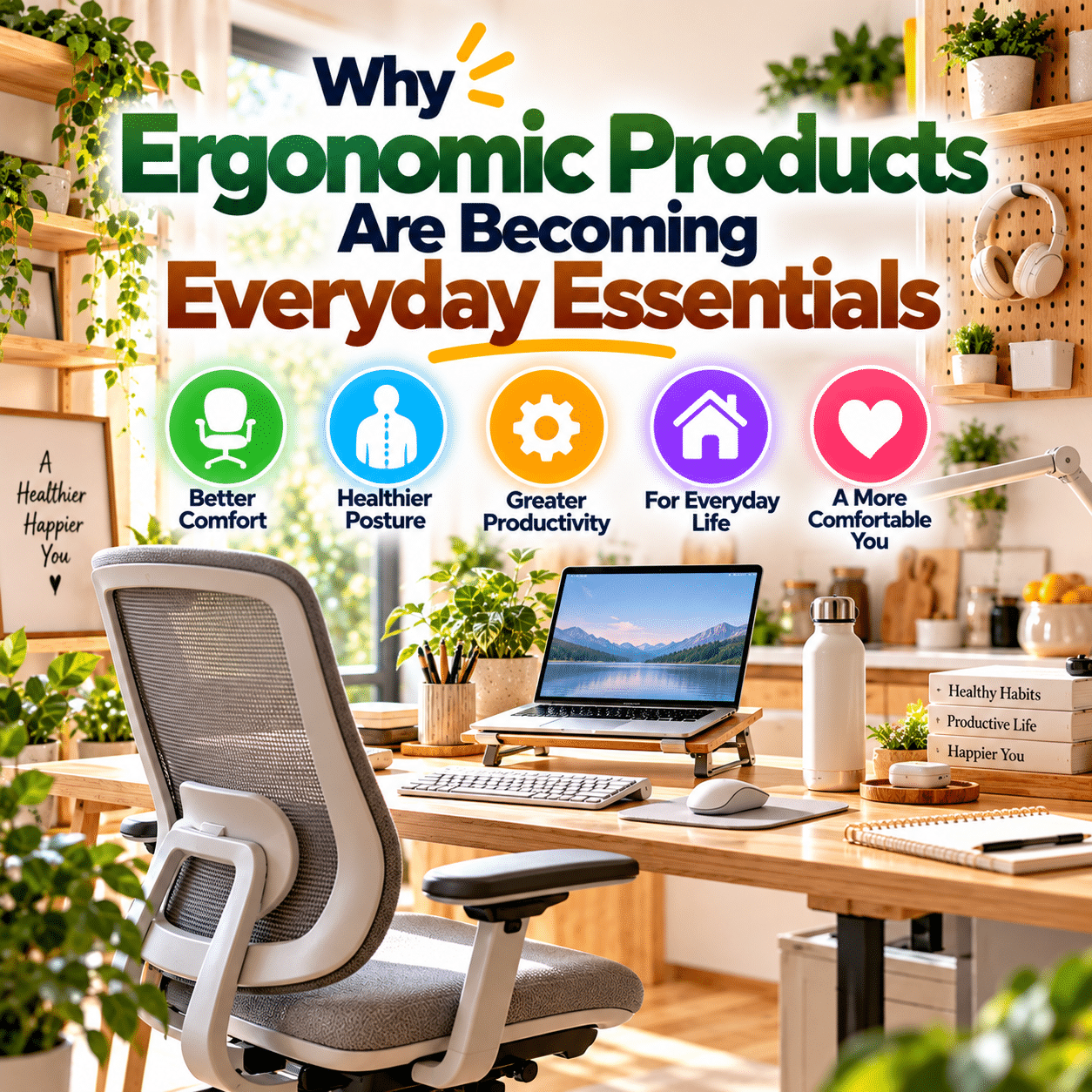
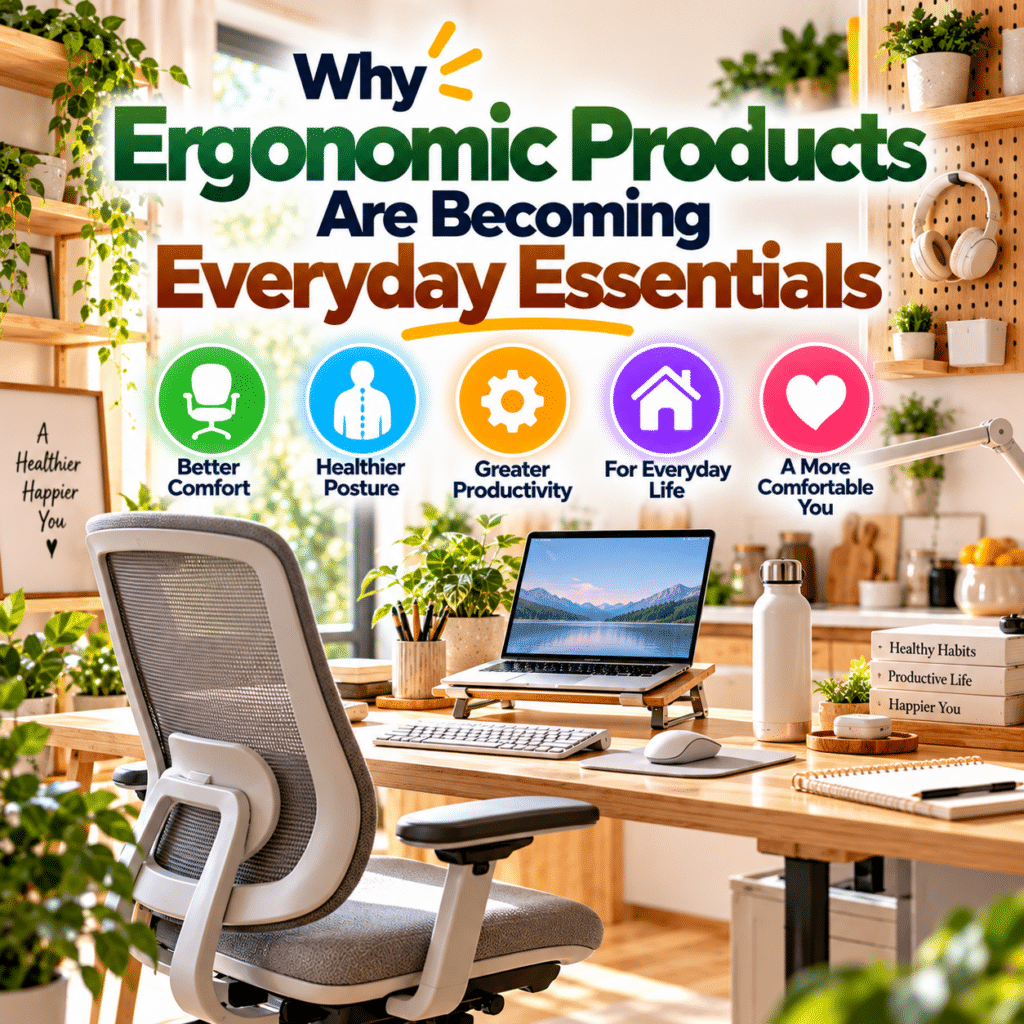
Ergonomic products are becoming everyday essentials because comfort and usability matter across many aspects of home life.
Adjustable chairs, flexible desks, monitor stands, input devices, kitchen utensils, cleaning tools, and personal care accessories can all benefit from thoughtful design.
Their purpose is not to force everyone into one perfect posture or to eliminate every physical demand.
It is to help products and environments fit the people who use them.
The most valuable ergonomic features are those that solve genuine problems, provide appropriate support, and remain easy to use over time.
However, equipment alone is not enough.
Movement, task variety, practical organization, and attention to individual needs remain essential.
The lasting value of ergonomic design is simple: everyday products should adapt to people whenever possible, rather than requiring people to adapt unnecessarily to their products.