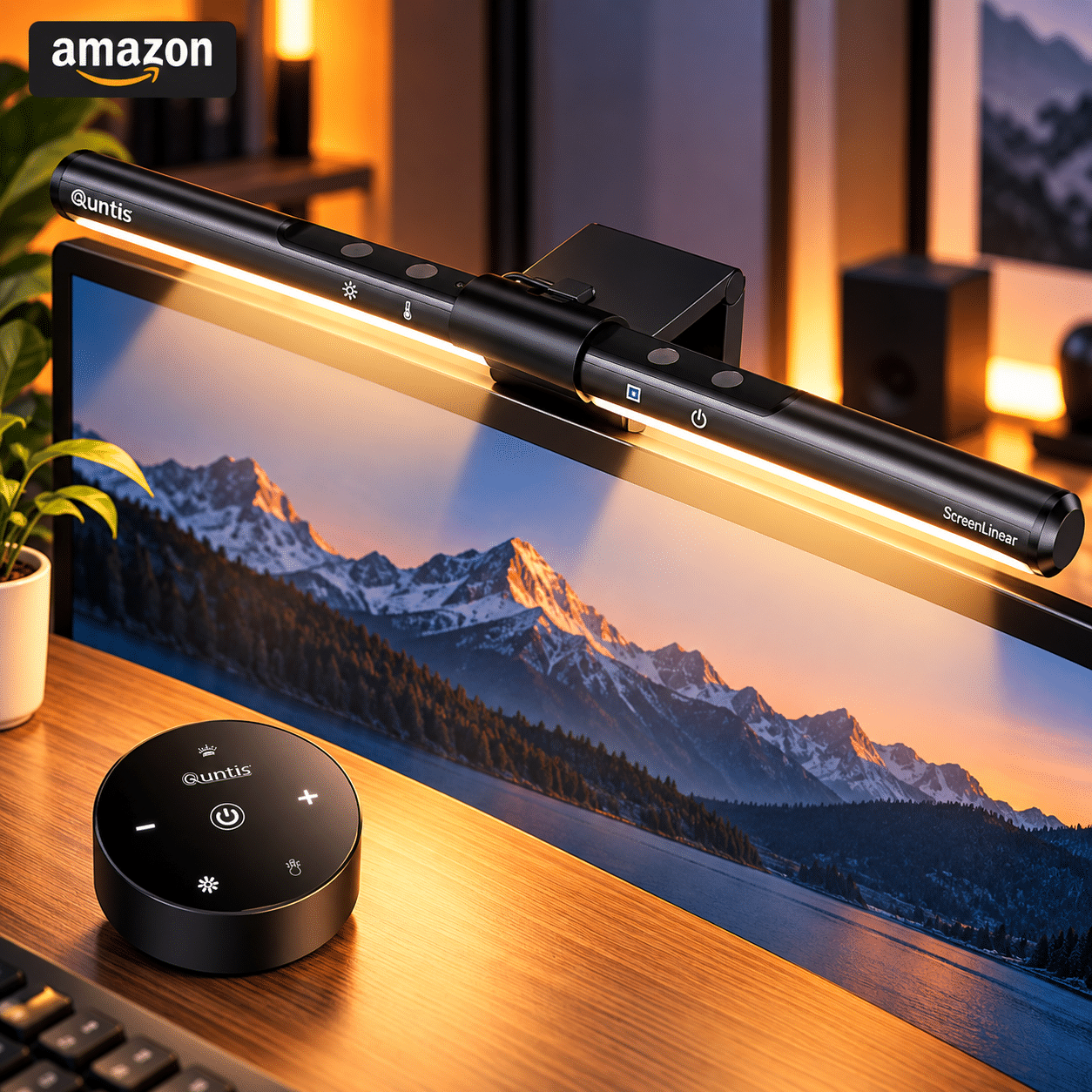
1️⃣➡️ Available At
🛒 Amazon
2️⃣➡️ Category:
✏️ Stationery & Desk Setup
3️⃣➡️ Brand:
🏢 Quntis
4️⃣➡️ Measurements:
Product: Quntis ScreenLinear Basic Pro Monitor Light Bar – Touch & Remote Control
ASIN: B08DKQ3JG1
Brand: Quntis
Model: ScreenLinear Basic
Color: Black
Product Type: Monitor-Mounted LED Desk Light
Light Source: Integrated LED
Light Bar Length: Approximately 40 cm (15.7 Inches)
Product Dimensions: Approximately 39.88 × 1.98 × 1.98 cm
Power Consumption: 5W
Input Voltage: 5V DC
Power Source: USB
Lighting Design: Asymmetrical, Desk-Focused Illumination
Color Temperature: Adjustable Warm to Cool White (Approximately 3000K–6500K)
Brightness: Adjustable Dimming
Automatic Lighting: Ambient Light Sensor with Auto-Dimming
Controls: Touch-Sensitive Controls on the Light Bar
Memory Function: Supported
Color Rendering Index (CRI): Listed as 98
Mounting Type: Monitor-Top Clip
Compatible Monitor Thickness: Approximately 0.7–3.5 cm, According to Listing
Material: Aluminum and Plastic Components
Product Weight: Approximately 500 g
Primary Uses: Computer Desk Lighting, Reading, Writing, and Home Office Work
5️⃣➡️ Top highlights:
✅ Asymmetrical Lighting to Minimize Screen Glare — The Quntis monitor light bar uses a directional optical design to illuminate the desktop area while limiting direct light reflections on the computer screen. This makes it useful for reading documents, typing, and completing desk tasks without adding a conventional lamp beside the monitor.
✅ Smart Auto-Dimming with Ambient Light Detection — A built-in light sensor automatically adjusts the lamp’s brightness according to surrounding lighting conditions. This feature helps users maintain a more consistent desk-lighting environment as natural and indoor lighting changes throughout the day.
✅ Adjustable Brightness and Color Temperature — Touch controls allow users to customize light intensity and select warmer or cooler white illumination. Warmer settings can create a relaxed evening atmosphere, while cooler settings provide a brighter appearance for detailed work and reading.
✅ Space-Saving Monitor-Top Installation — The light bar attaches to the upper edge of a compatible computer monitor, keeping the desk surface available for keyboards, notebooks, and other accessories. Its slim, approximately 40 cm design integrates neatly into compact home offices and minimalist workstations.
✅ Convenient USB Power and Touch Operation — USB-powered operation makes the lamp practical for computer-based workspaces, while integrated touch controls eliminate the need for a separate desktop controller. The memory function adds convenience by retaining lighting preferences during normal operation.
6️⃣➡️ Review:
The Quntis Computer Monitor Light Bar offers a practical way to improve desktop illumination without occupying valuable workspace. Designed to sit along the top edge of a compatible computer monitor, its slim LED housing directs light downward toward the keyboard, documents, and surrounding desk area. The asymmetrical lighting arrangement is intended to minimize unwanted reflections on the display, making it a useful alternative to traditional desk lamps positioned beside the screen. Adjustable brightness and color temperature allow users to adapt the lighting to different tasks and times of day, while the integrated ambient light sensor provides automatic dimming as room conditions change. Touch-sensitive controls simplify operation, and USB power makes the light convenient for many computer workstations. Its understated appearance also complements modern home offices, study desks, and compact creative setups.
However, the Quntis monitor light bar has several practical limitations. Its mounting clip may not fit every display, particularly monitors with unusual rear housings, very thin bezels, or integrated webcams positioned along the upper edge. Buyers should check their monitor’s dimensions and mounting arrangement before purchasing. Although the asymmetrical lighting design helps minimize screen reflections, actual glare performance depends on screen angle, monitor surface, and installation position. The lamp also relies on a USB power connection, so users need an available compatible port or power adapter. Touch controls are convenient when seated near the monitor but may require reaching upward whenever manual adjustments are needed. Additionally, improved desk lighting does not guarantee prevention of digital eye strain, which can also be influenced by screen brightness, viewing distance, and work habits. Overall, this Quntis light bar is a useful choice for users seeking adjustable, space-saving task lighting for everyday computer work.
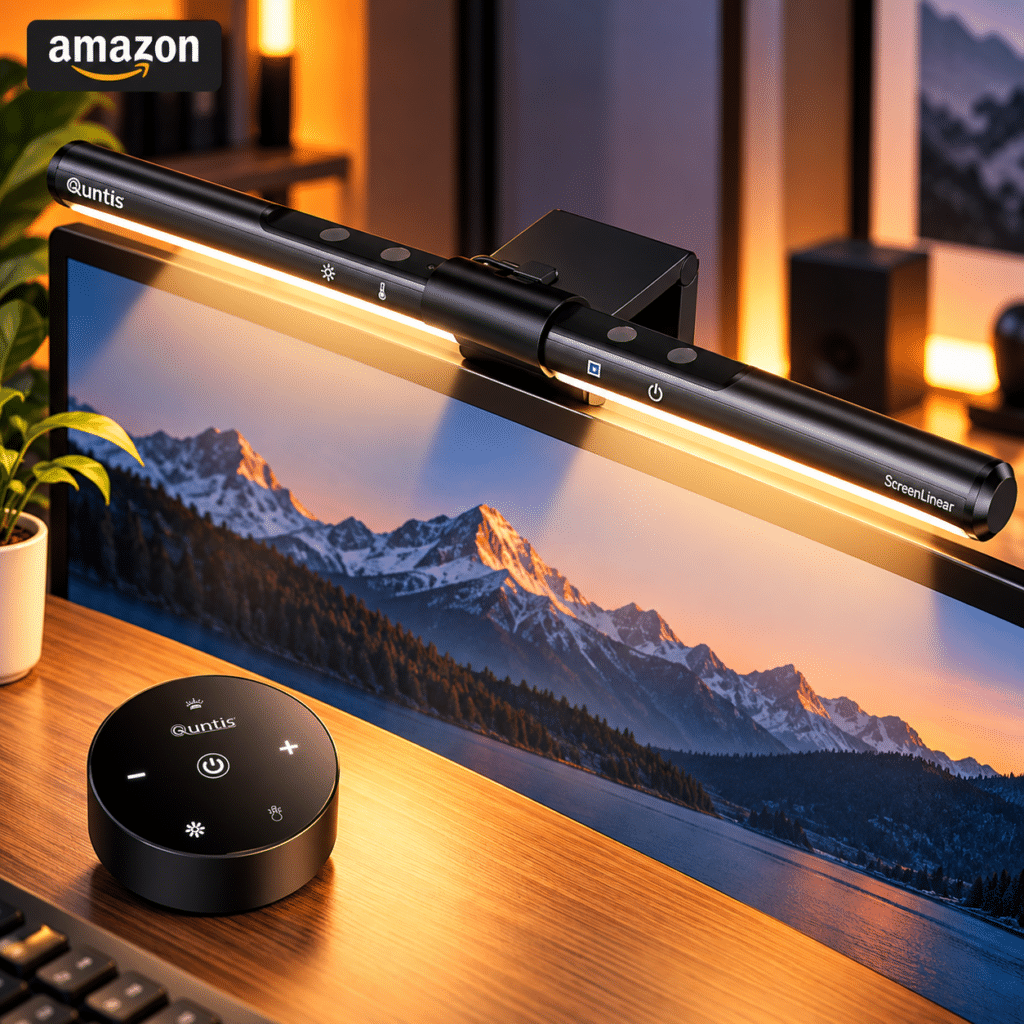
7️⃣➡️ Why We Love It
✅ Asymmetrical LED lighting designed to minimize monitor glare
✅ Automatic brightness adjustment using an ambient light sensor
✅ Customizable brightness and warm-to-cool color temperature
✅ Slim monitor-mounted design that preserves valuable desk space
✅ Convenient USB power, touch controls, and lighting memory function
Trend Product Finds Recommendation
⭐⭐⭐⭐⭐