1️⃣➡️ Available At
🛒 Amazon
2️⃣➡️ Category:
✏️ Stationery & Desk Setup
3️⃣➡️ Brand:
🏢 Elgato
4️⃣➡️ Measurements:
Product: Elgato Stream Deck MK.2 – Customizable Studio Controller with 15 LCD Keys
ASIN: B09738CV2G
Brand: Elgato
Model: Stream Deck MK.2
Product Type: Programmable Shortcut Controller
Control Layout: 3 × 5 Key Grid
Number of Keys: 15
Key Type: Customizable LCD Buttons
Key Display: Individual LCD Screens with Custom Icons
Connection Type: Wired USB
USB Interface: USB 2.0
Wireless Connectivity: Not Supported
Dimensions Without Stand: 118 × 84 × 25 mm (4.6 × 3.3 × 1.0 inches)
Weight Without Stand: 145 g (5.1 oz)
Weight With Stand: 270 g (9.5 oz)
Stand: Included Detachable Desktop Stand
Faceplate: Interchangeable Design
Configuration Software: Elgato Stream Deck
Software Availability: Free Download
Customization: Assignable Hotkeys, Actions, and Icons
Multi Actions: Supported
Profiles: Customizable Application-Specific Profiles
Folders and Pages: Supported for Additional Actions
Plugin Support: Stream Deck Marketplace Integrations
Operating Systems: Windows and macOS, Subject to Software Version Requirements
Primary Uses: Streaming, Video Editing, Content Creation, and Productivity
Additional Uses: Audio Control, App Launching, Meeting Controls, and Workflow Automation
Power Source: USB Connection to a Computer
Included Accessories: Desktop Stand and USB Cable
Package Contents: Stream Deck MK.2, Desktop Stand, USB Cable, and Quick Start Guide
5️⃣➡️ Top highlights:
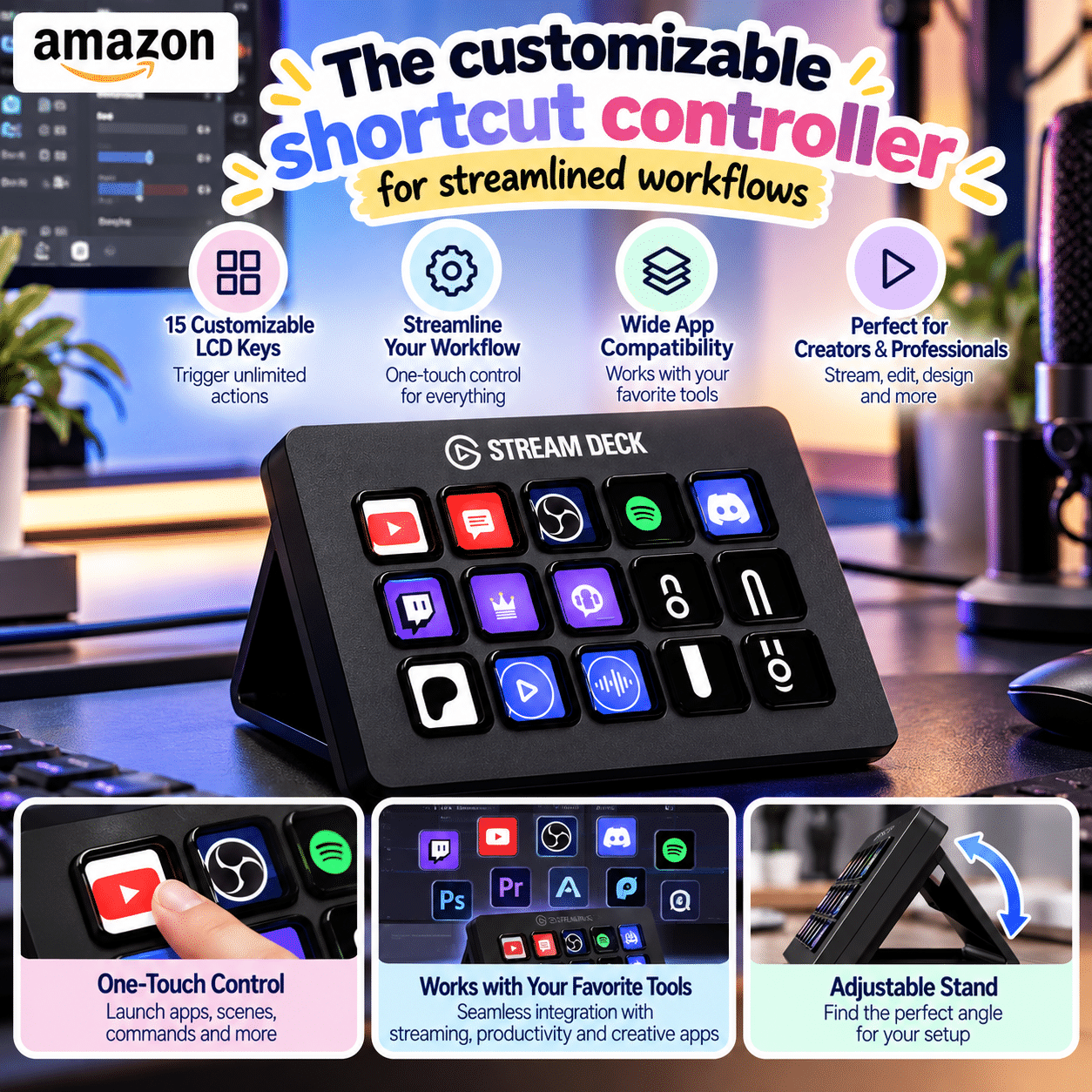
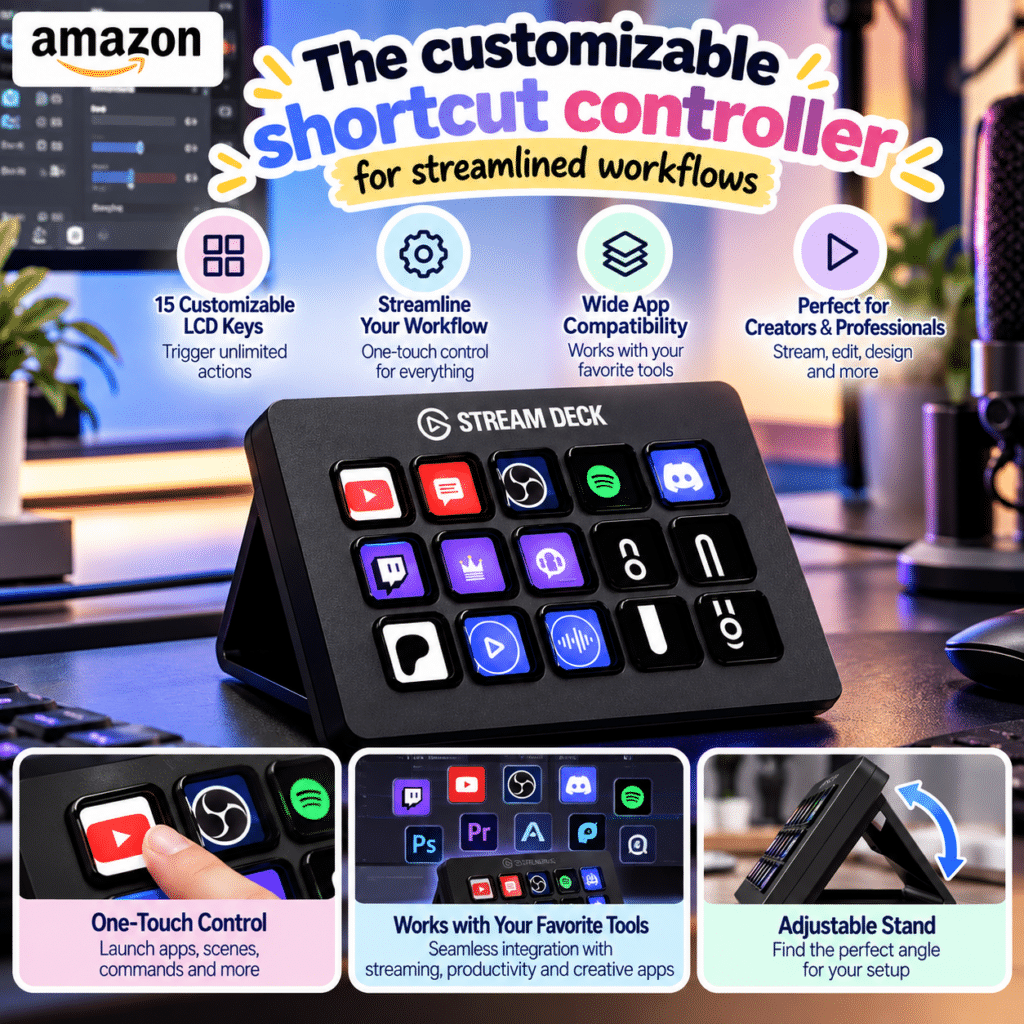
✅ 15 Fully Customizable LCD Keys — The Elgato Stream Deck MK.2 features fifteen individually programmable LCD buttons that can display personalized icons and assigned functions. Users can organize shortcuts for frequently used applications, streaming controls, editing tools, and productivity commands, creating a visual control panel tailored to their daily workflow.
✅ Powerful One-Touch Workflow Automation — Multi Actions allow several commands to run from a single button press, reducing the need to repeat routine steps manually. Whether launching applications, preparing a livestream, or activating a sequence of shortcuts, the controller can simplify repetitive tasks and make complex workflows more convenient.
✅ Application-Specific Profiles and Folders — Custom profiles let users organize different shortcut layouts for specific programs and activities. Folders and additional pages expand the available commands beyond the fifteen physical keys, making the Stream Deck useful for people who regularly switch between editing, streaming, communication, and office applications.
✅ Extensive Software and Plugin Integration — The Stream Deck software supports customizable hotkeys, application controls, and compatible third-party plugins. Users can explore available integrations through the Stream Deck Marketplace to build personalized workflows for creative software, streaming platforms, meeting tools, and other supported applications.
✅ Compact Desktop Design with Interchangeable Faceplate — Measuring approximately 4.6 × 3.3 inches without its stand, the Stream Deck MK.2 occupies relatively little desk space. Its detachable stand provides a convenient viewing angle, while the interchangeable faceplate allows users to personalize the device’s appearance to complement their workstation.
6️⃣➡️ Review:
The Elgato Stream Deck MK.2 is a versatile shortcut controller designed to make digital workflows more efficient and accessible. Its fifteen customizable LCD keys allow users to assign frequently used commands, application shortcuts, streaming controls, and personalized icons to a dedicated desktop device. Instead of memorizing complicated keyboard combinations, users can activate their preferred actions with a single button press. Multi Actions provide additional flexibility by combining several commands into one sequence, while customizable profiles help organize different workflows for video editing, livestreaming, meetings, and everyday productivity. The Stream Deck software also supports compatible plugins and integrations, expanding its usefulness beyond traditional streaming applications. With a compact footprint, detachable stand, and interchangeable faceplate, the MK.2 offers a practical combination of workspace organization, personalization, and convenient control.
Although the Elgato Stream Deck MK.2 offers considerable flexibility, its usefulness depends on how much time users invest in configuring shortcuts and building personalized profiles. People with simple computing routines may find that ordinary keyboard shortcuts already meet their needs. The controller also requires a wired USB connection and compatible desktop software, so it is not a standalone device or a wireless remote. Some advanced integrations depend on third-party plugins, application compatibility, or ongoing software support, and available functions may change over time. Its fifteen physical keys provide a practical starting point, but users managing extensive workflows may need to organize additional commands into folders and profiles. Overall, the Stream Deck MK.2 is particularly well suited to content creators, streamers, editors, and professionals who regularly perform repetitive computer tasks.
7️⃣➡️ Why We Love It
✅ Fifteen customizable LCD keys with personalized shortcut icons
✅ One-touch Multi Actions for repetitive workflow automation
✅ Flexible profiles and folders for different applications
✅ Extensive plugin support through the Stream Deck Marketplace
✅ Compact desktop design with detachable stand and customizable faceplate
Trend Product Finds Recommendation
⭐⭐⭐⭐⭐